
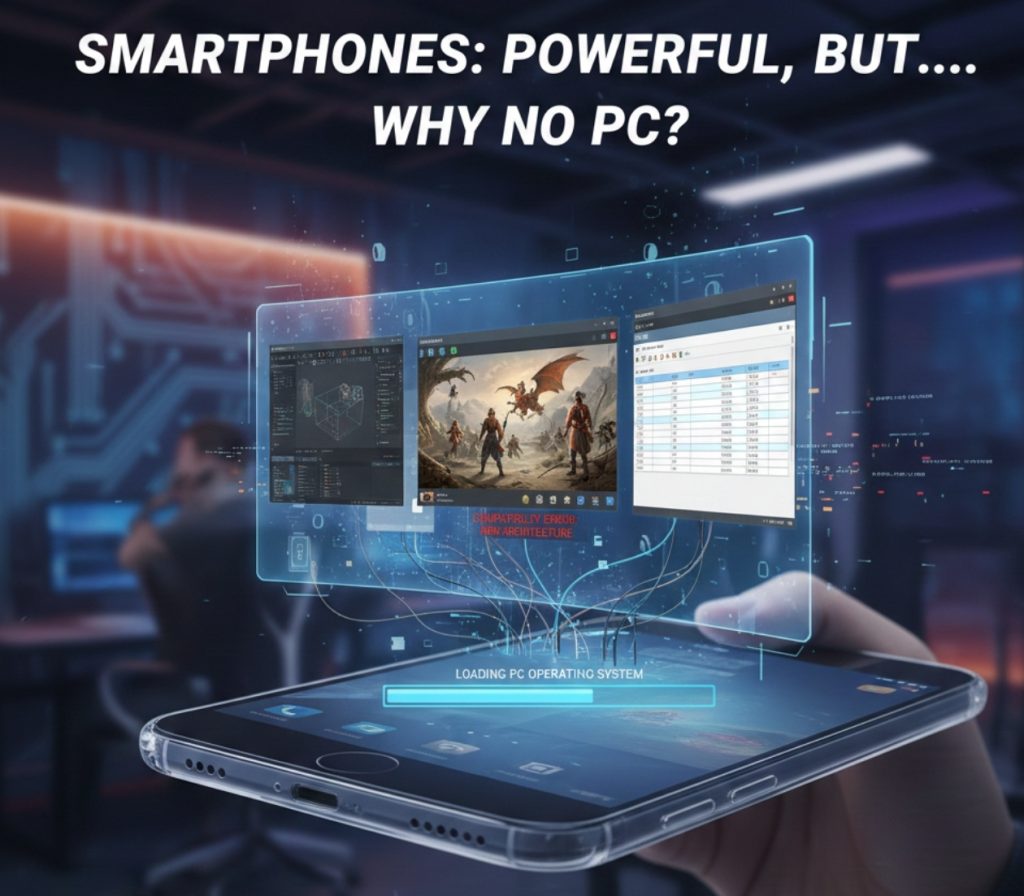
Modern smartphones are no longer “just phones.”
They have processors more powerful than laptops from a few years ago, GPUs capable of console-level graphics, fast storage, AI accelerators, and absurd amounts of RAM. Some phone chips even outperform traditional desktop CPUs in single-core performance.
So a natural question arises:
If phones are this powerful, why can’t we have one universal UI that works on phones and PCs, allowing smartphones to run PC games and software like GTA V, Final Cut Pro, or Adobe After Effects?
At first glance, it seems like companies are simply holding back.
But the reality is far more complex — and way more interesting.
This article breaks down why raw power isn’t enough, and what’s actually stopping phones from becoming full PC replacements.
1. Performance Is No Longer the Problem
Let’s clear this myth first.
Modern smartphone processors are insanely capable:
Apple’s A-series and M-series chips rival laptop CPUs
Snapdragon flagship chips have powerful GPUs and AI cores
Phones can edit 4K video, process HDR photos, and run advanced machine learning models
From a pure computation perspective, phones are not weak anymore.
If power alone mattered, GTA V would already be running on phones at ultra settings.
But power is only one piece of the puzzle.
2. The Architecture Barrier: ARM vs x86
This is one of the biggest technical roadblocks.
Phones mostly use ARM architecture
Most PC software and games are built for x86 (Intel/AMD)
These two architectures speak different “machine languages.”
Running x86 software on ARM requires:
Emulation (translation layer)
Higher power usage
Performance loss
More heat
More bugs
Apple partially solved this with Rosetta 2, allowing x86 Mac apps to run on ARM Macs. But that success came from:
Full control over hardware
Full control over the operating system
Full control over the software ecosystem
Android manufacturers don’t have that level of vertical integration.
So while it’s possible, it’s not clean, efficient, or universal yet.
3. Universal UI Sounds Good — Until Humans Use It
A “universal UI” sounds logical on paper, but human behavior says otherwise.
Phones and PCs are designed for fundamentally different usage patterns.
Phones:
Touch-based interaction
Short sessions
Small screens
One app at a time
PCs:
Mouse + keyboard
Long work sessions
Large displays
Heavy multitasking
Trying to run professional software like After Effects on a 6-inch touchscreen is a usability nightmare. Even with external keyboards and monitors, the experience feels compromised.
This is why attempts like:
Samsung DeX
iPad Stage Manager
are impressive, but still not fully professional-grade.
UX, not hardware, becomes the bottleneck.
4. Heat and Sustained Performance Matter More Than Peak Power
Phones can deliver short bursts of extreme performance.
PC software doesn’t work like that.
Applications like:
Video rendering
Game engines
3D modeling
Visual effects
require sustained high performance for hours.
Phones have:
Tiny cooling systems
Limited heat dissipation
Batteries that degrade under heat
Push a phone too hard and it will:
Throttle performance
Reduce clock speeds
Drain battery fast
Heat up uncomfortably
A desktop or laptop is designed to stay cool under continuous load.
A phone is not.
5. Operating System Restrictions
Mobile operating systems are heavily restricted by design.
Sandboxed apps
Limited file system access
Restricted background processes
Tight security rules
PC software assumes:
Full system access
Background tasks
Plugin systems
Mod support
Direct hardware access
Porting PC software to mobile OS isn’t just recompiling code — it often means rewriting major parts of the software.
That’s expensive, time-consuming, and risky for companies.
6. Games Are Built for PC Ecosystems, Not Just Hardware
Games like GTA V are not just “graphics + CPU.”
They rely on:
Desktop GPU drivers
Keyboard, mouse, controller input
Modding support
File system access
Background services
Mobile platforms restrict many of these by default.
Developers would need to redesign entire engines to fit mobile OS rules. Unless profits are guaranteed, most studios won’t bother.
7. The Business Reality No One Likes to Admit
Here’s the uncomfortable truth:
Companies don’t actually want full convergence yet.
If a phone could fully replace:
Laptops
Desktops
Tablets
Then product segmentation collapses.
Why buy:
A phone and a laptop?
An iPad and a MacBook?
Notice patterns:
Final Cut Pro stays mostly Mac-exclusive
Adobe keeps mobile apps limited
AAA games arrive late or not at all on mobile
This isn’t just technical — it’s strategic.
8. We’re Moving Toward Convergence — Slowly
Despite all these barriers, the future is clearly heading toward convergence.
Signs are everywhere:
Apple M-series chips powering desktops and tablets
iPad running Final Cut Pro
Windows on ARM improving
Handheld gaming PCs like Steam Deck
Cloud gaming services
Desktop-class apps coming to tablets
The future likely isn’t one UI everywhere, but:
One powerful chip, multiple modes of interaction
Phone mode.
Desktop mode.
Console mode.
Cloud-assisted mode.
Conclusion: Power Was Never the Real Issue
Smartphones are already powerful enough.
What’s holding them back is:
Architecture differences
Heat and sustained workloads
User experience design
Operating system restrictions
Software ecosystems
Business incentives
The idea of a universal device isn’t crazy — it’s just early.
Phones won’t suddenly replace PCs overnight.
But over the next decade, the line between them will keep blurring.
If history teaches us anything, it’s this:
Technology doesn’t fail because it’s impossible — it waits until it’s profitable and comfortable.
And we’re getting closer.